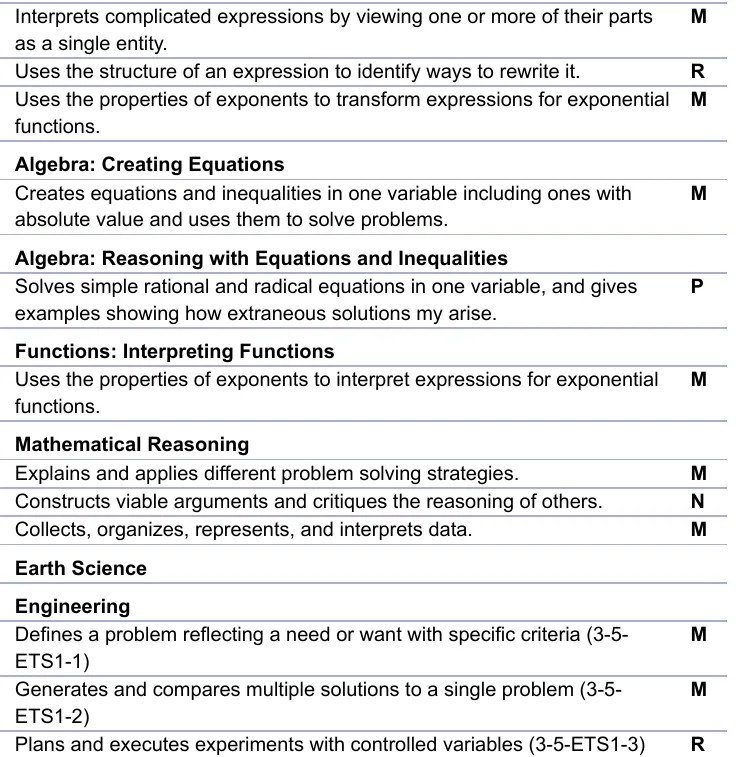
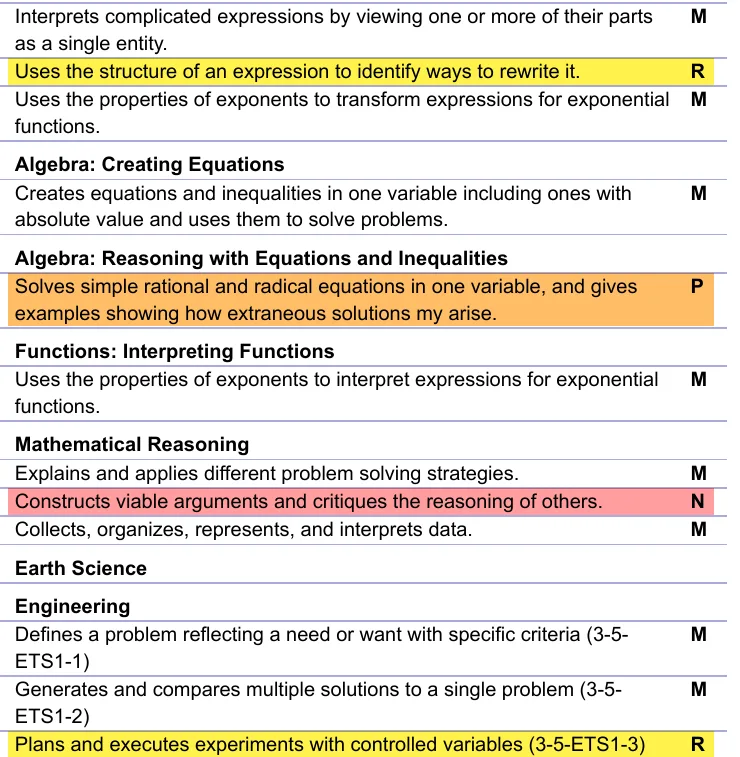
Shade every row of a report card that isn't Meeting expectations, so the skills that need attention stand out.
Save the report card as a PDF. In Jupiter, open the report card, choose Print (⌘P on a Mac, Ctrl+P on Windows) and pick Save as PDF as the destination.
Upload it here. Rows rated Meeting (M or A) stay plain; every other row is shaded by its rating. Download the highlighted copy.
Nothing leaves your computer. The PDF is read and highlighted inside your browser and is never uploaded anywhere.
Upload report card
Any standards-based report card with a column of ratings, such as Jupiter's.
A or M (Meeting): left plain
E Exceeding
B or R Approaching
C or P Progressing
N Needs support
F Failing
UA Unable to assess
Ready
Before
After
Sample report card with made-up grades: the R, P and N rows stand out from the Ms.